 Platinum
 Platinum
 Platinum
 Platinum Platinum Platinum
Replaces a component insert.
Accessing the Command
command bar: bmreplace
menu bar: Assembly | Replace Component
ribbon: Assembly | Modify | Replace 
toolbar: Assembly |
: bmreplace
Prompts you in the command bar:
Select component instances: (Select an insert in the drawing.)
Entities in set: 1
Select component instances: (Select an insert in the drawing or press Enter.)
A File dialog displays:
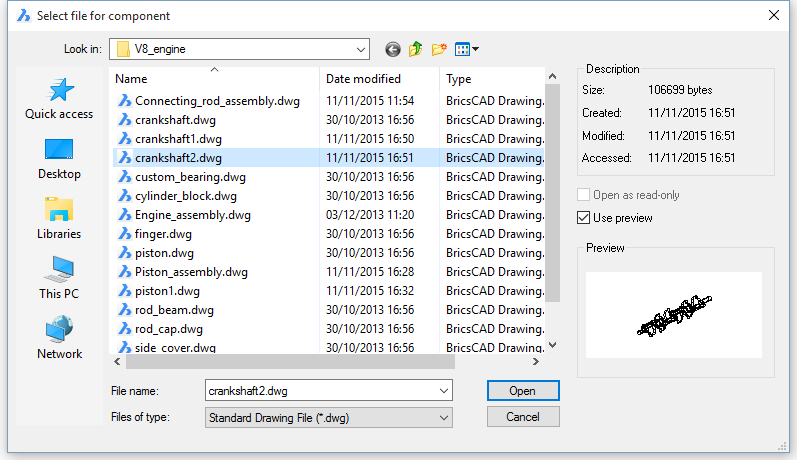
Select a file, then double click or click the Open button.
Command Options
|
Option |
Description |
|
Replace all similar inserts |
If only one insert was selected, you are prompted: Replace file for all similar inserts [Yes/No] <Yes>:
|
Related Commands
BmExternalize - converts local components to external components.
BmOpen - opens the source drawing of an external mechanical component.
| © Menhirs NV. All rights reserved. |